Pick a plan
Genome Access is $9/month with genomic read access metered per million; Genome Unlimited is $49/month with unlimited access. Both cover the kit, sequencing, and storage.
kit guide
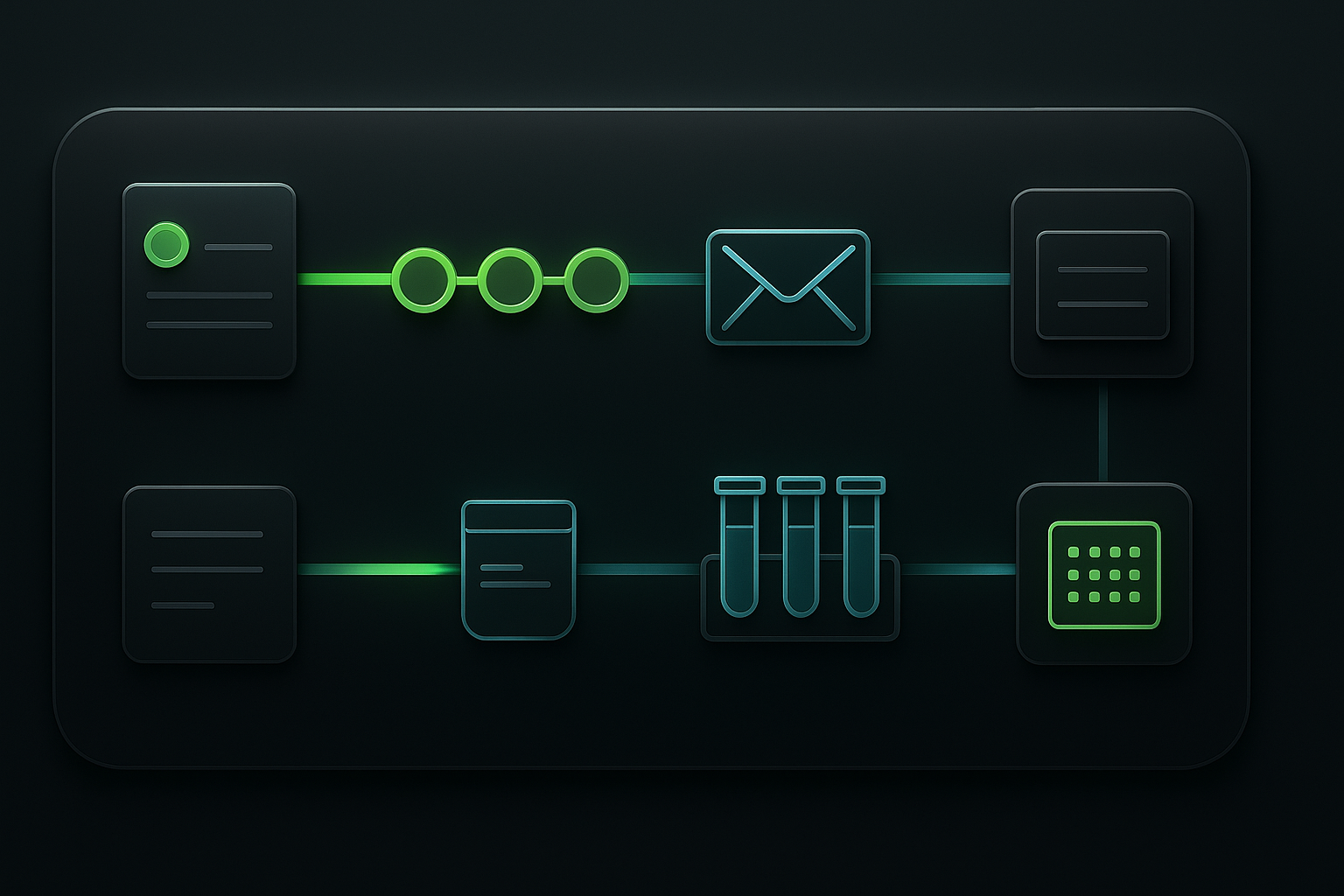
Pick a plan, get a saliva kit in the mail, send it back, and your sequenced genome appears in your account as private data you own. One physical step; we handle the rest.
before you start
Everything happens from the dashboard. You never touch a sample sheet, an index sequence, or a cloud bucket.
Genome Access is $9/month with genomic read access metered per million; Genome Unlimited is $49/month with unlimited access. Both cover the kit, sequencing, and storage.
Save a default shipping address in the dashboard. Om uses it to send your collection kit and prepare your prepaid return label.
Request your first kit from the dashboard. Om mails a simple saliva collection kit — no lab account, no cloud setup, no service keys.
your one sample
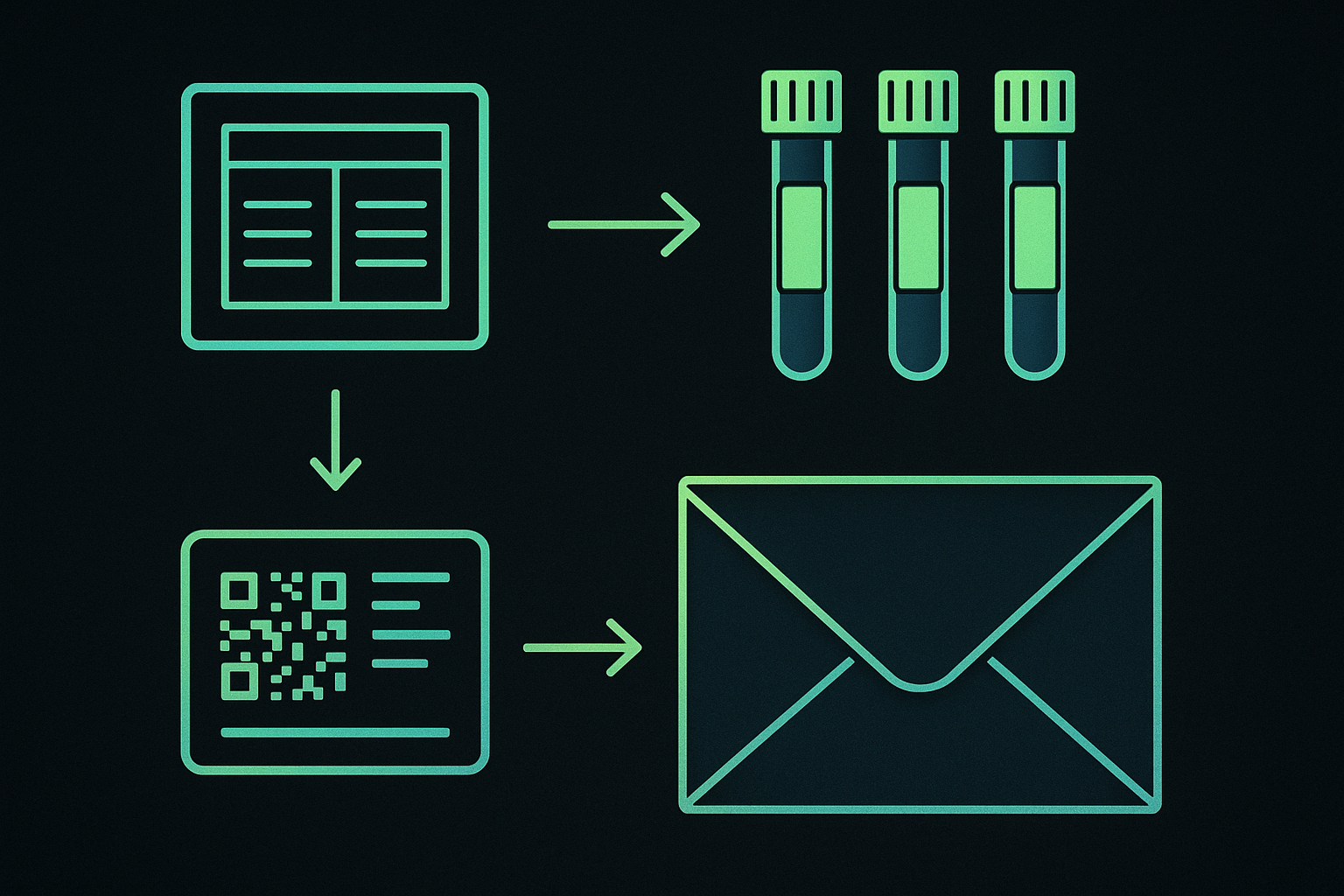
The printed QR insert identifies your sample; the prepaid return label gets it back to Om. Both print straight from the dashboard.
Create accountClick Start sequencing in the dashboard. Om creates your lifetime specimen record with tracking IDs and queues the collection kit.
Print the QR insert and the prepaid return label from the dashboard. The insert is how Om connects your sample back to your account.
Provide your saliva sample, seal it, place it in the kit with the printed insert, apply the return label, and mail it back. No ice needed.
mailing your sample
Your kit ships ambient in a branded Om mailer. Seal your sample, include the printed insert, apply the return label, and drop it in the mail.
Om cannot process a sample without the printed QR insert inside the kit. It is what ties the tube back to your account.
Close the collection tube firmly and seal it before packing. No ice or dry ice is required — ambient is fine.
Print the return label from the dashboard, apply it to the mailer, and ship. Tracking appears in your dashboard.
your genome data
Each immutable sequencing batch adds to the genome you already have. New reference panels and annotations apply automatically — at no extra cost.
The dashboard shows your sample moving from received to processing to ready as Om sequences and cleans your genome.
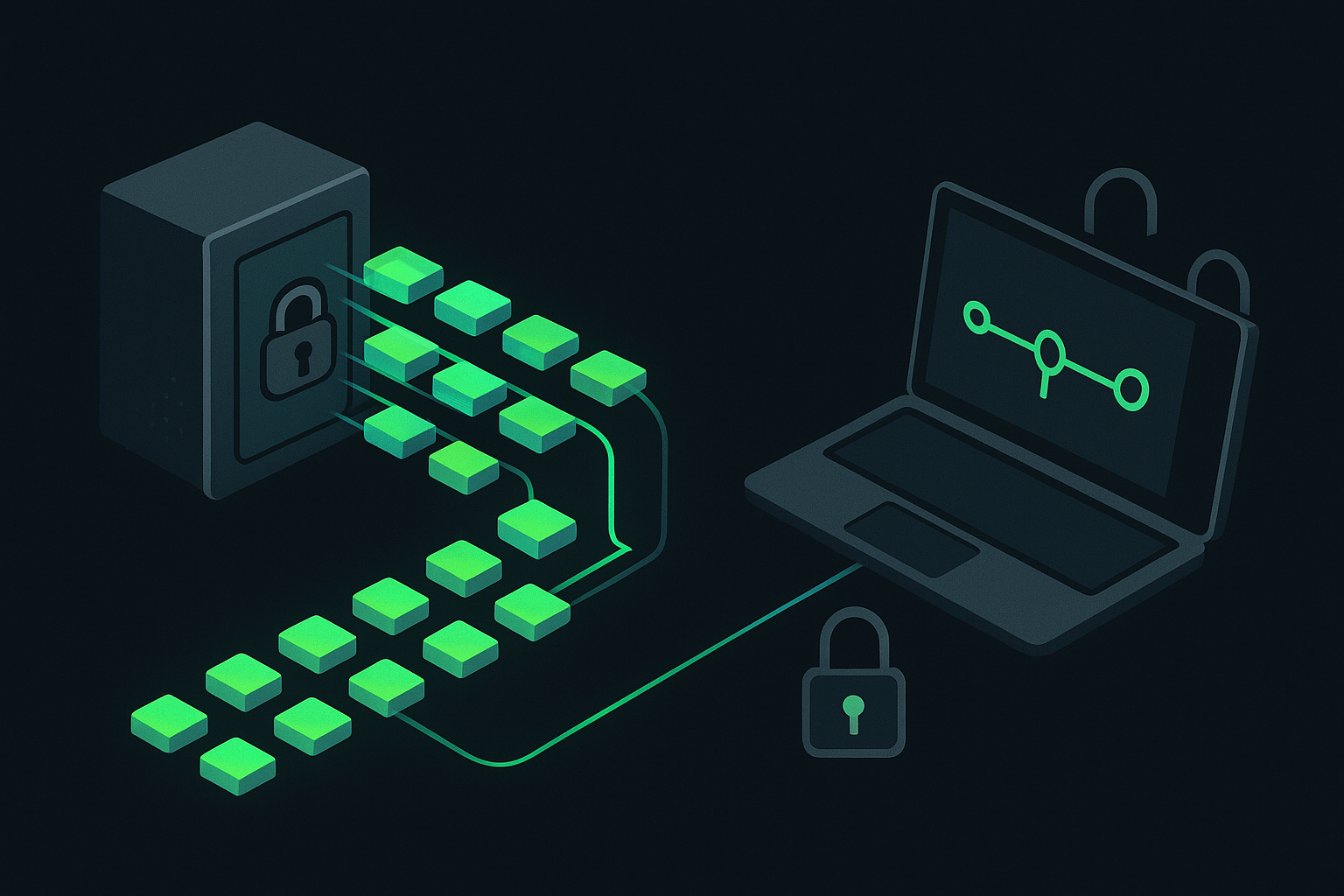
Your genome lands in your account as private readsets. Generate a private data link whenever you want to open or download them.
Connect Claude Code or Codex to the Om MCP and sign in with your Om account — no keys to paste. Genomic read access is metered on Genome Access and unlimited on Genome Unlimited.
For research and educational use only. Not a diagnostic test and not medical advice.